
Canva’s built-in font list is fine, but it’s the same twelve fonts everyone else on Pinterest is already using. All ten of these are free Google Fonts you can upload as a Brand Kit font in Canva Pro, or just download and use anywhere else your designs travel. If you’ve been searching for free fonts for canva, these picks are curated with exactly that in mind.
Quick Comparison
| Font | Style | Best For |
|---|---|---|
| Poppins | Geometric sans | General-purpose Canva templates |
| Playfair Display | High-contrast display serif | Bold headline text |
| Lora | Contemporary serif | Body text and quote graphics |
| Quicksand | Rounded geometric sans | Wellness and lifestyle brands |
| DM Serif Display | Editorial display serif | Pinterest pin titles |
| Josefin Sans | Art Deco geometric sans | Elegant, vintage-style designs |
| Abril Fatface | Ultra-bold display serif | Poster and Instagram cover headlines |
| Nunito | Rounded sans | Calm body-text partner |
| Comfortaa | Rounded geometric sans | Logo-style text, youth brands |
| Cormorant Garamond | Delicate high-contrast serif | Elegant accent or quote text |
Poppins

A geometric sans built almost entirely from circles, Poppins has become the unofficial default of modern Canva templates for a reason — it’s friendly, works at every weight from Thin to Black, and pairs cleanly with almost any serif for a header/body combo.
Playfair Display

A high-contrast display serif drawing on Baskerville and Didot, with thin hairlines against thick stems. Reserve it for headlines only — that contrast disappears at small sizes.
Lora
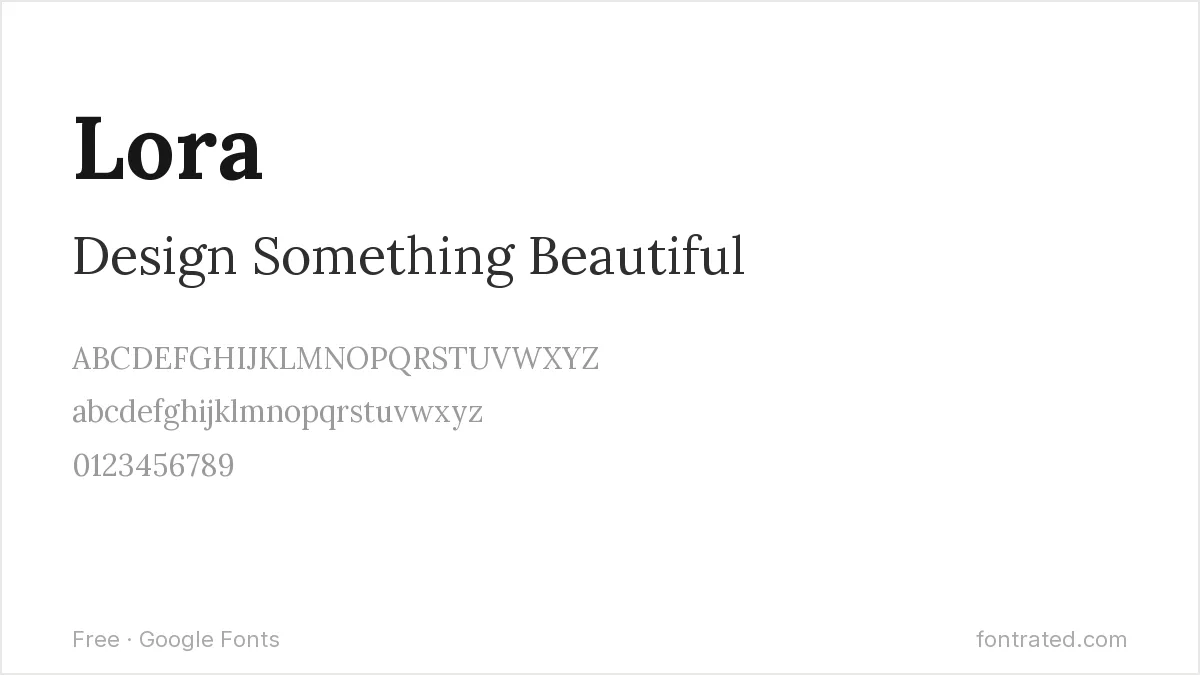
A contemporary serif with roots in calligraphic writing, Lora has enough warmth for body text in a way most display serifs don’t. Good for quote graphics and longer captions.
Quicksand
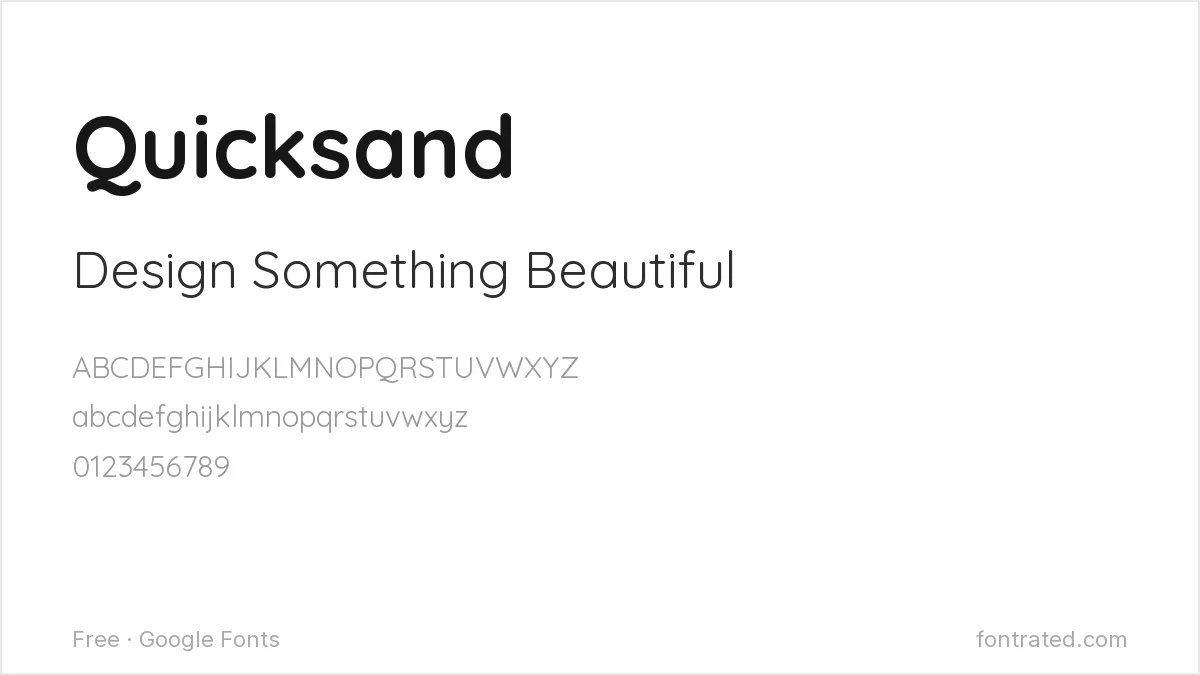
A rounded geometric sans with soft, friendly terminals — the go-to for wellness, lifestyle, and kids’-brand Canva templates.
DM Serif Display
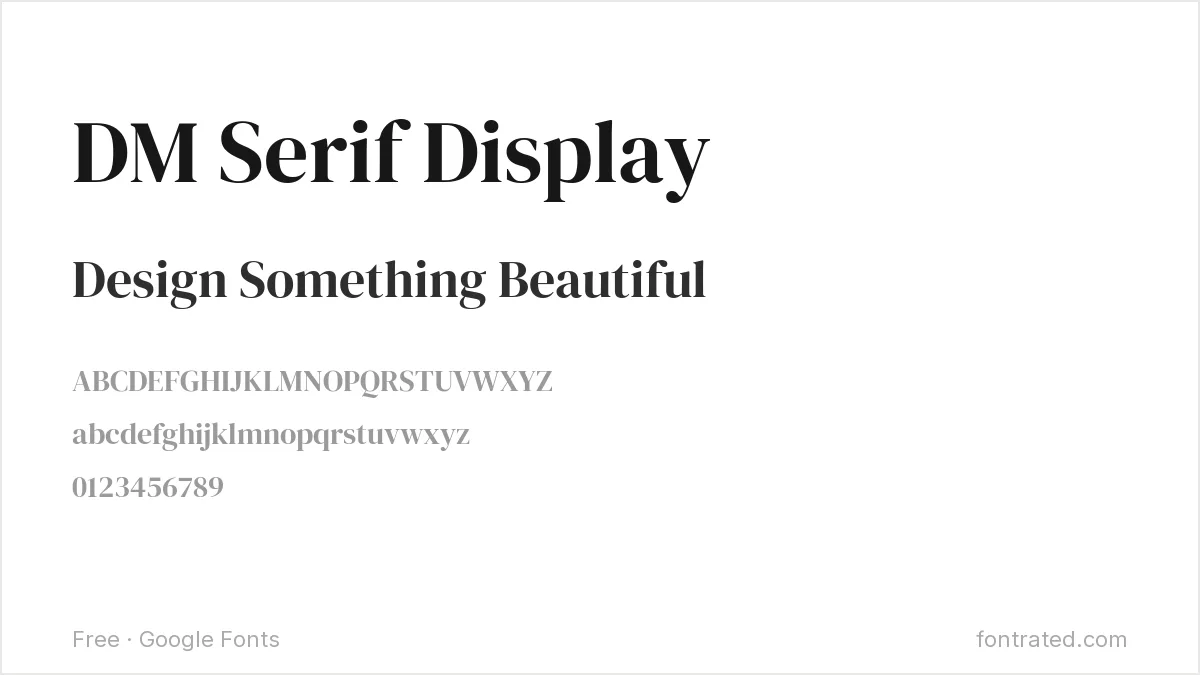
Generous, rounded curves with just enough contrast to feel editorial rather than decorative. Works particularly well for Pinterest pin titles set large.
Josefin Sans

A geometric sans inspired by 1920s Art Deco proportions, Josefin Sans gives designs an elegant, slightly vintage feel without looking dated.
Abril Fatface
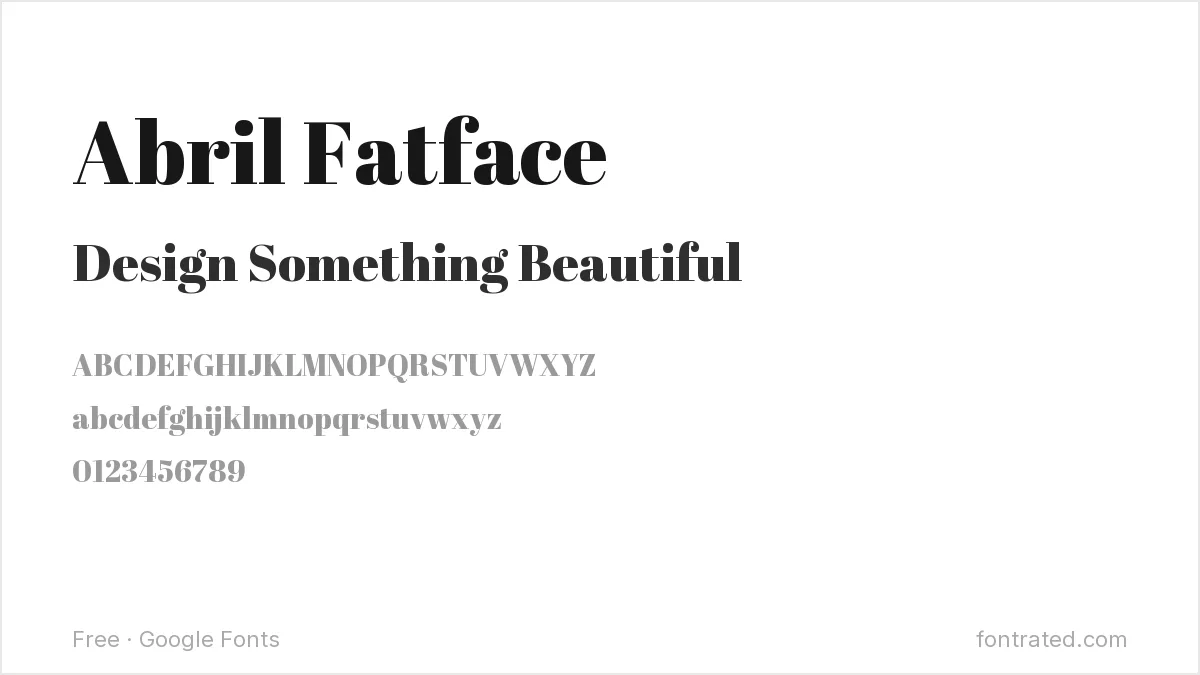
An ultra-bold display serif with extreme stroke contrast — built to be seen, not read in paragraphs. Use it for one or two words on a poster or Instagram cover.
Nunito

A rounded sans-serif that stays legible and calm even in busy layouts, making it a reliable body-text partner for louder display fonts like Abril Fatface or Josefin Sans.
Comfortaa
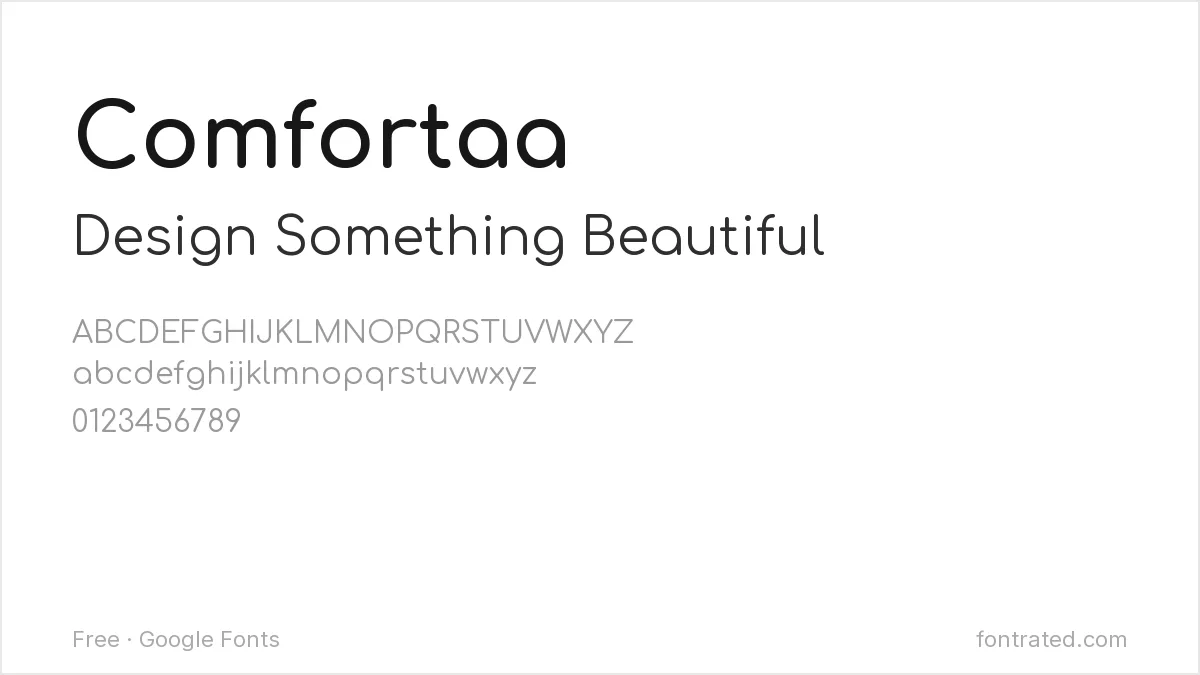
Rounded, geometric, and slightly bubbly — a strong choice for logo-style text on social templates aimed at a younger audience.
Cormorant Garamond

A delicate, high-contrast serif based on old-style Garamond proportions. Pairs beautifully with Poppins or Quicksand when a design needs one elegant accent font.
Pairing tip: pick one display font from the list (Playfair Display, Abril Fatface, DM Serif Display) for headlines, and one calm sans (Poppins, Nunito, Quicksand) for everything else. Two fonts is almost always enough.
Frequently Asked Questions
Are these fonts free to use in Canva, including for commercial projects?
Yes. All ten are hosted on Google Fonts under the SIL Open Font License, which permits personal and commercial use — including client work and templates you sell — with no royalties or attribution required.
How do I add a Google Font to Canva if it isn’t already in Canva’s built-in list?
Download the font family from its Google Fonts page (the links above), then in Canva go to Brand Kit → Brand Fonts → Upload a font and select the .ttf file. It’ll then appear in your font dropdown alongside Canva’s defaults.
Do I need Canva Pro to upload a custom Google Font?
Yes — uploading brand fonts is a Canva Pro/Teams feature. On the free plan, you can still use any of these fonts outside Canva (Photoshop, Word, a website) since they’re free downloads from Google Fonts regardless of your Canva subscription.
Can I use these fonts outside Canva too, like on a website or in Photoshop?
Yes — since they’re standard Google Fonts, the same .ttf/.otf file (or Google’s web font embed code) works anywhere: Photoshop, Illustrator, Word, or directly on a website via the Google Fonts API.
Want something a little more distinctive?
TAN-MAISONETTE comes from TanType, one of Creative Market’s most prolific type studios — a high-contrast serif built with the same vintage book-design flourish that gives Playfair Display its editorial feel, but with a flowing italic most free fonts don’t attempt.
The designer markets it for social graphics and branding directly, which makes it a natural swap-in when a Canva template needs one distinctive display font instead of another Playfair Display look-alike everyone else is already using.
This pick includes an affiliate link — see our disclosure.


Leave a Reply